Mac Sensors for Stream Deck
Temperatures, fan speeds, power, CPU usage, memory, storage and network rates from your Mac, on your Stream Deck keys and dials. Mac Sensors only reads; it changes no settings and controls no fans.
macOS 13.5 or later · Stream Deck app 7.1 or later and its Node 24 runtime · Tahoma Bold, which ships with macOS. No separate sensor app. Requirements and installation
Version 1.0.1.0 is on the Elgato Marketplace and GitHub releases.
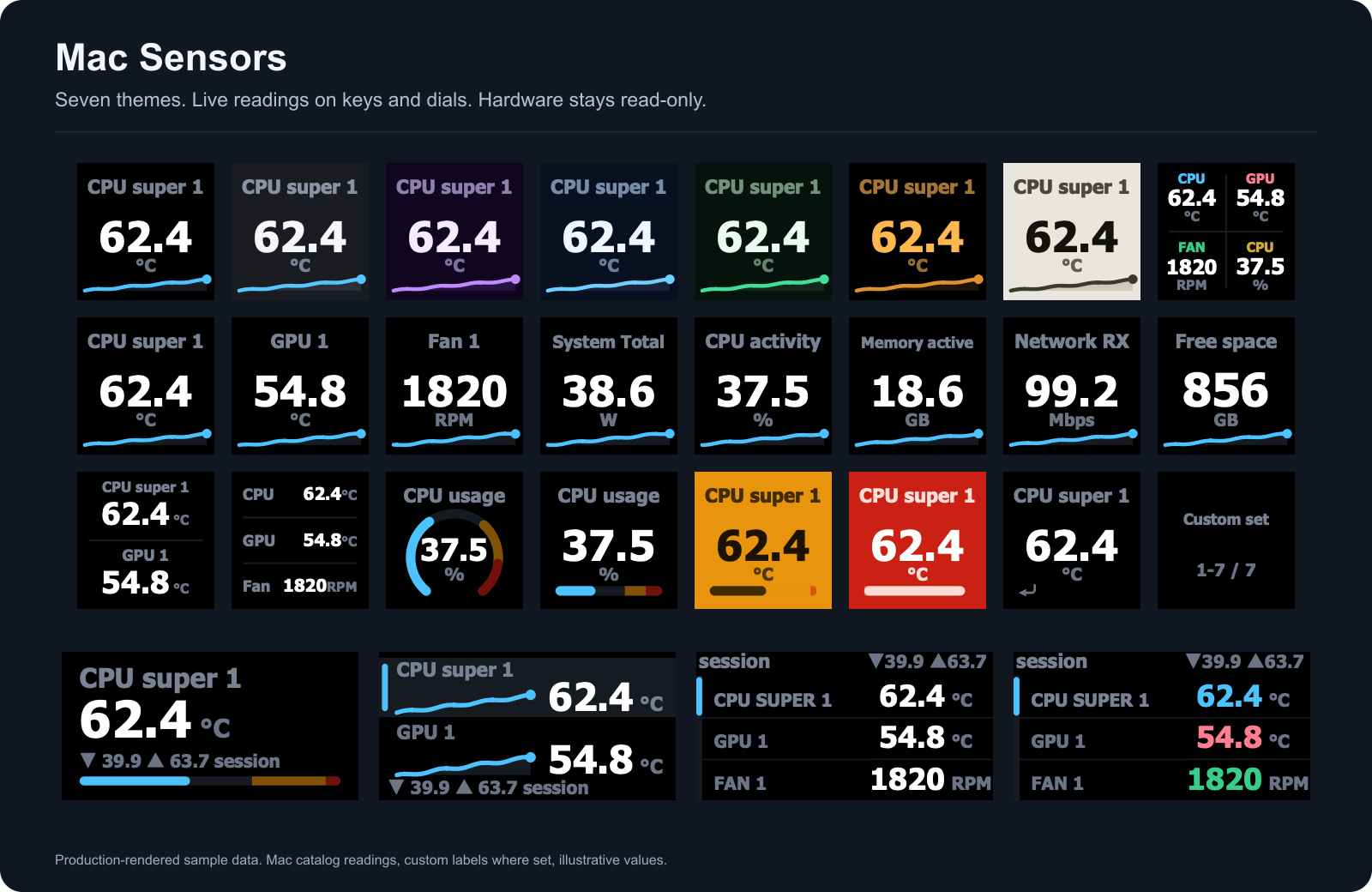
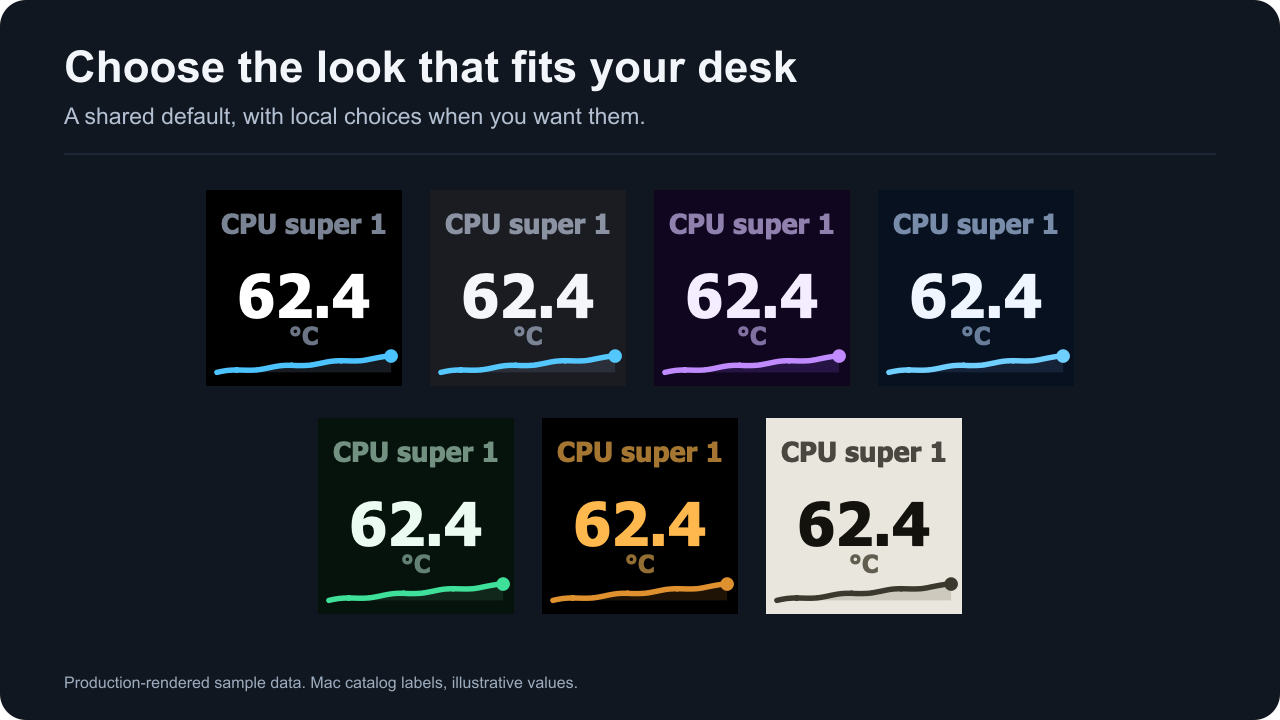
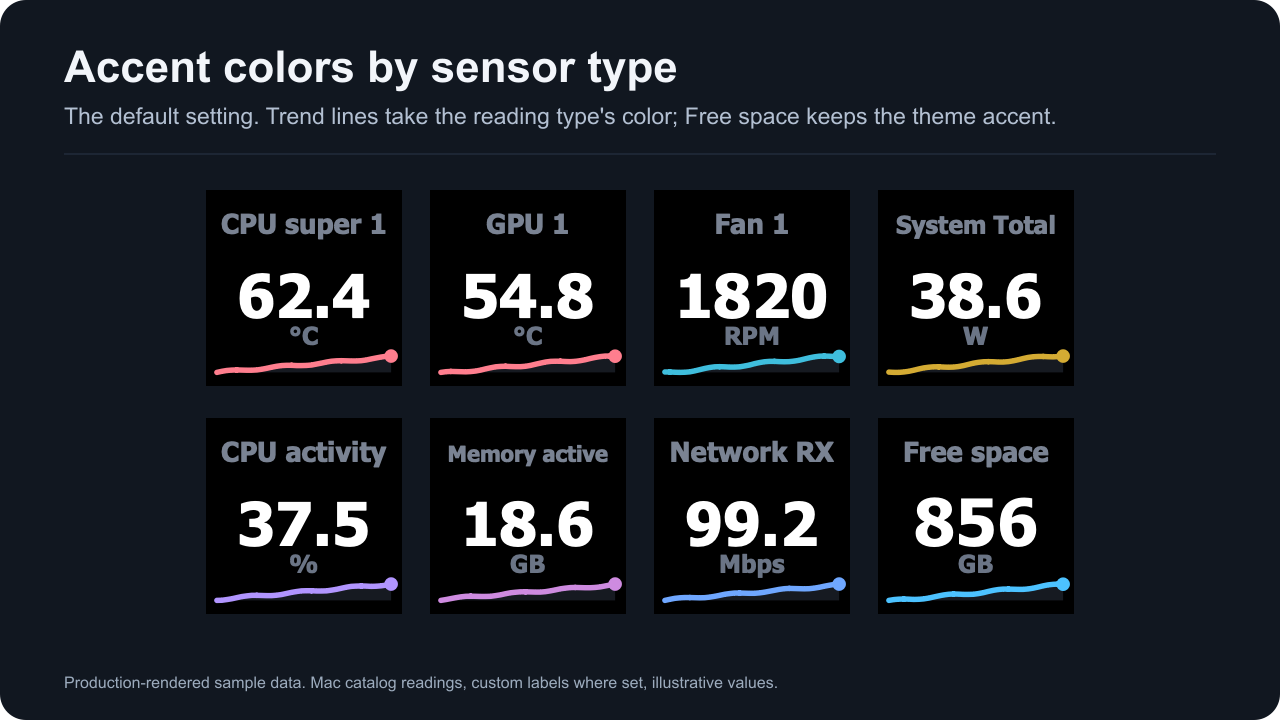
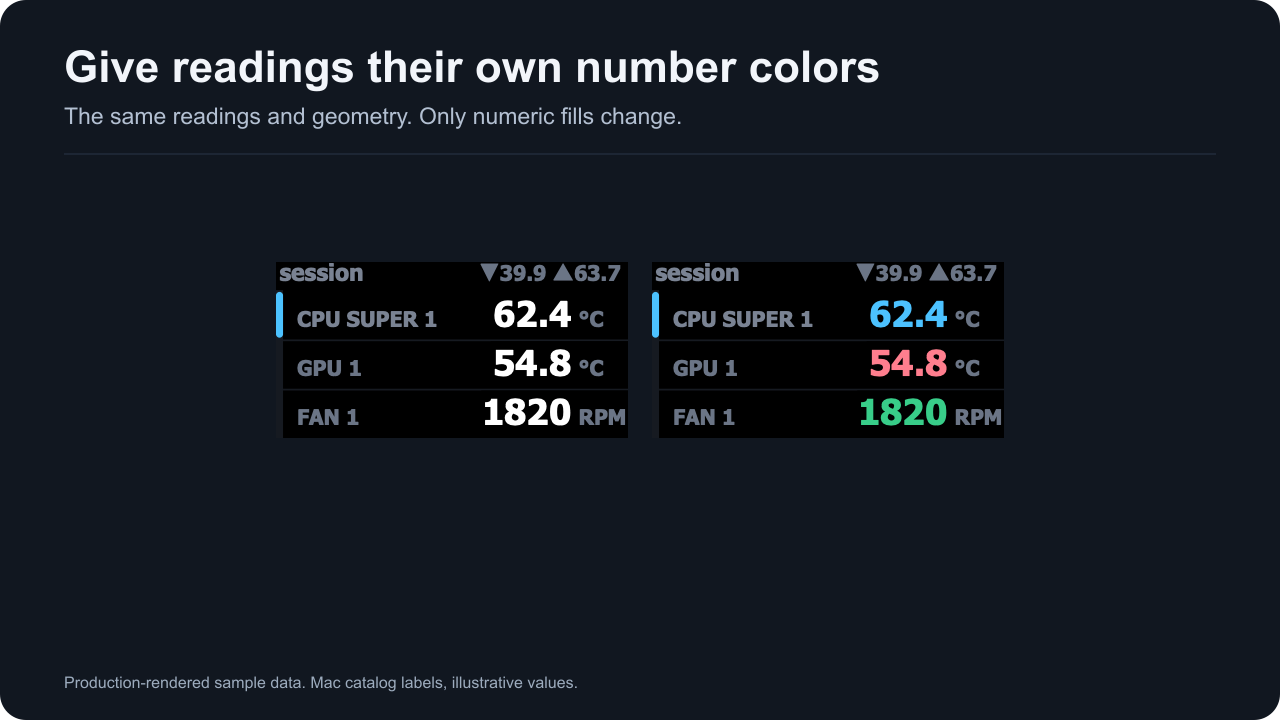
What goes on the deck
-
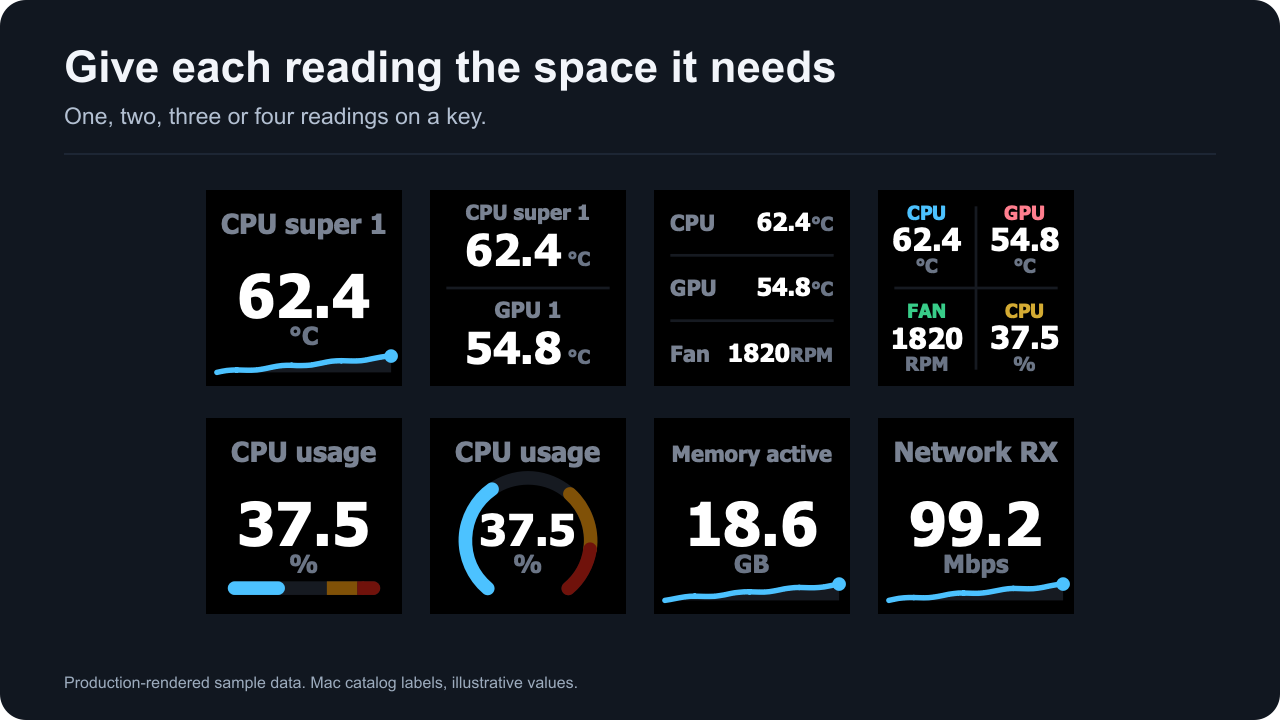
Production-rendered sample data. Sensor Reading
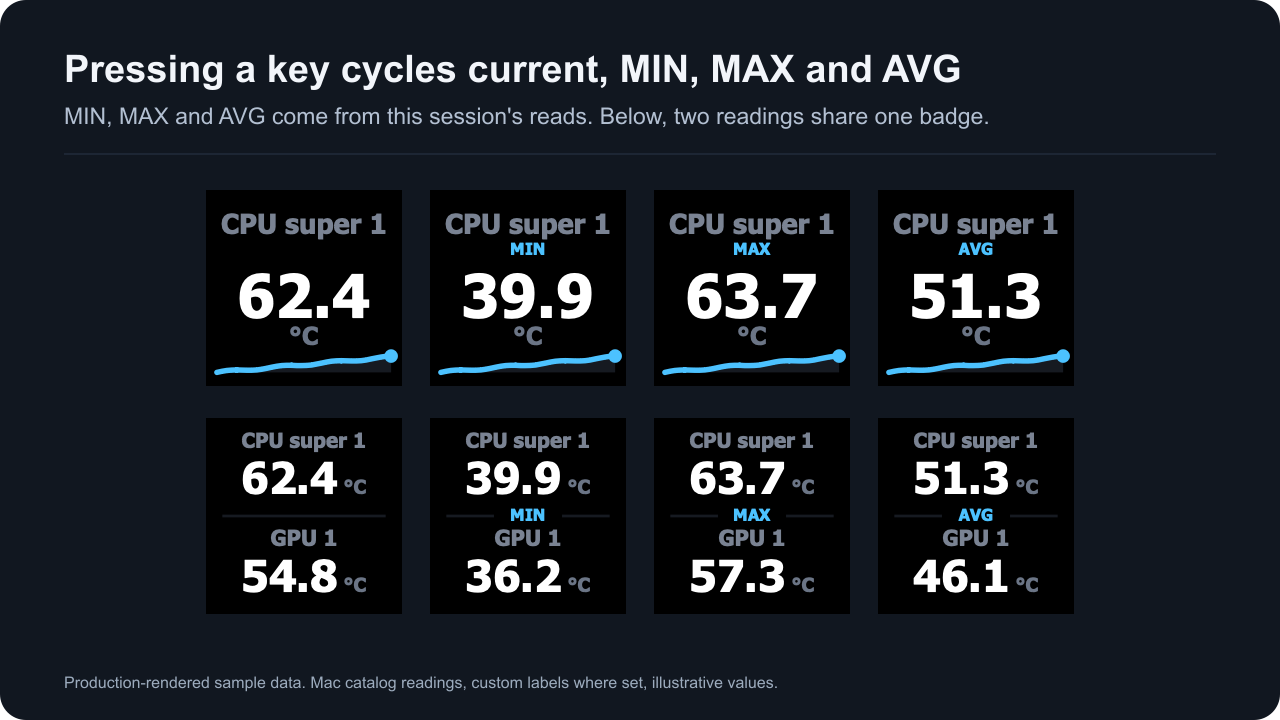
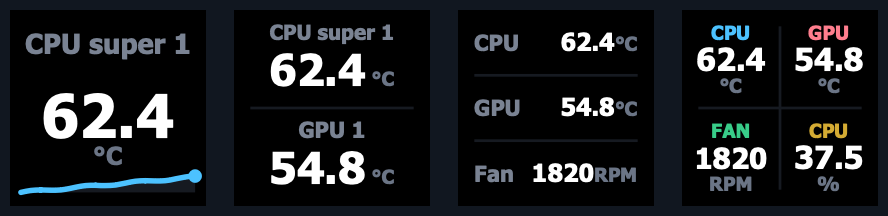
One to four readings on a key, with a sparkline, bar or ring under a single reading. A press cycles current, min, max and average.
Where it goes: Any display key (Stream Deck models)
-
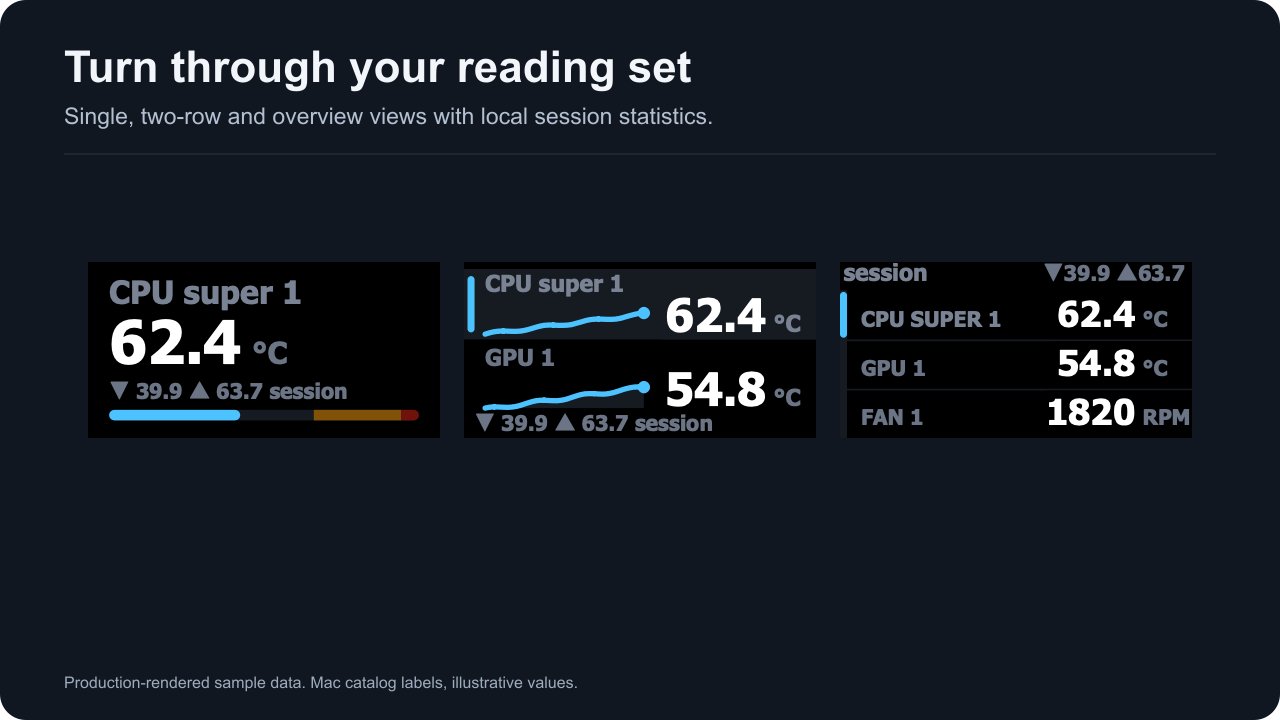
Production-rendered sample data. Sensor Dial
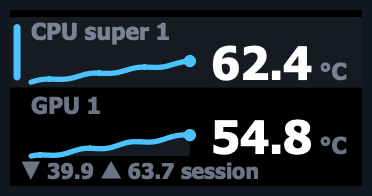
One reading, two rows or three rows on the touch strip. Turn the dial to step through a set of readings. Each dial keeps its own local session min, max and average.
Where it goes: A dial on a Stream Deck + or + XL
-
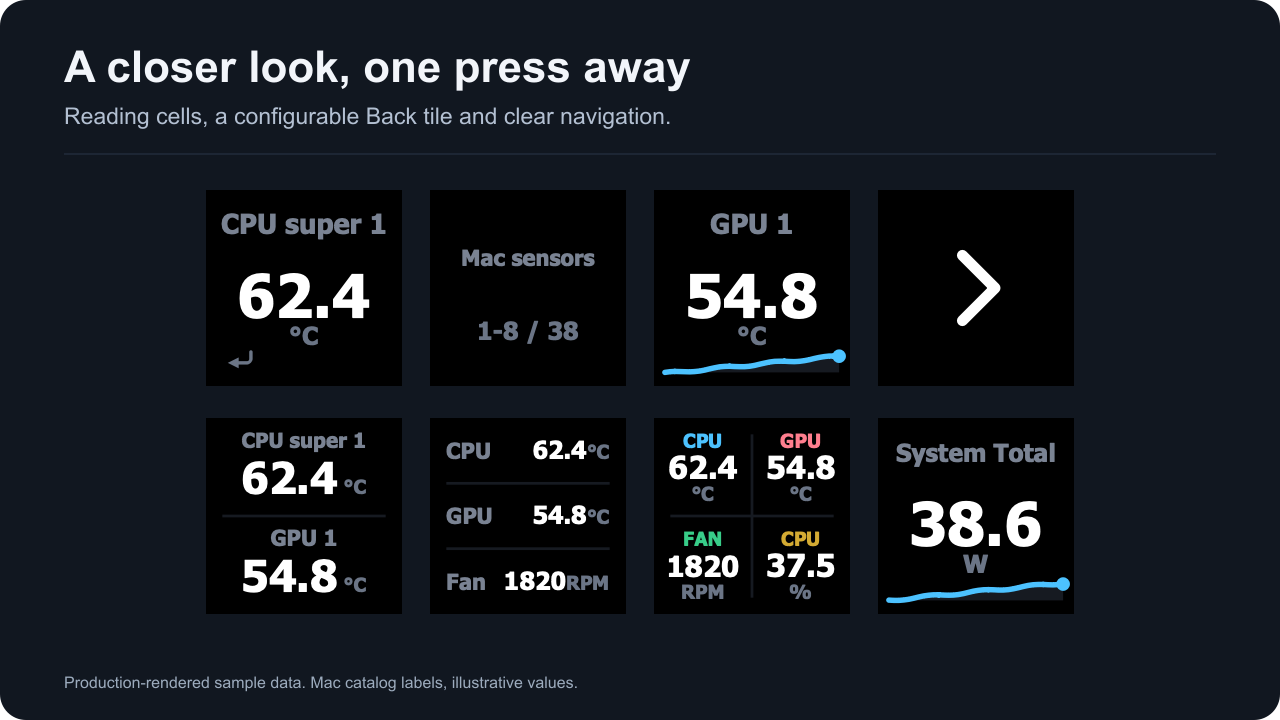
Production-rendered sample data. Sensor details
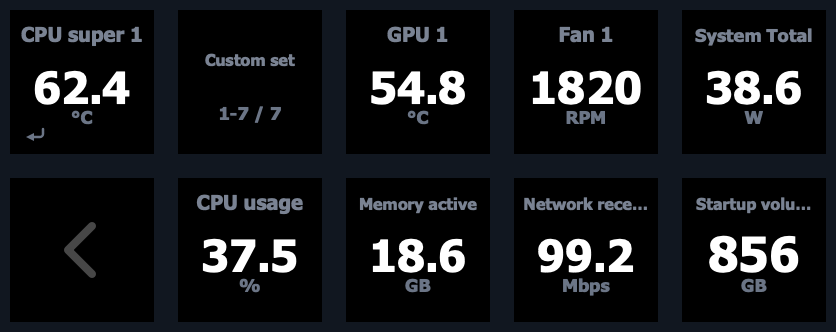
A Press choice on Sensor Reading: a page of tiles for the reading’s group, a filter or your own list, with a Back tile.
Where it goes: Decks with a bundled detail view (Sensor details support)
-
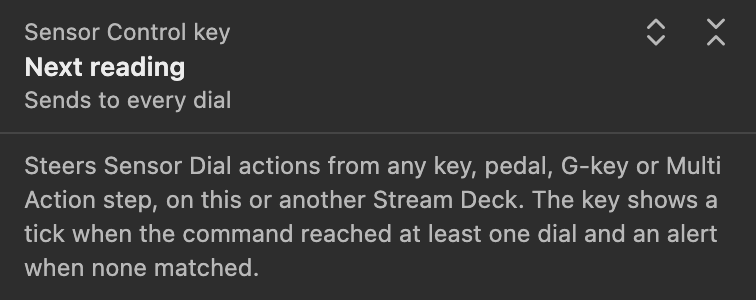
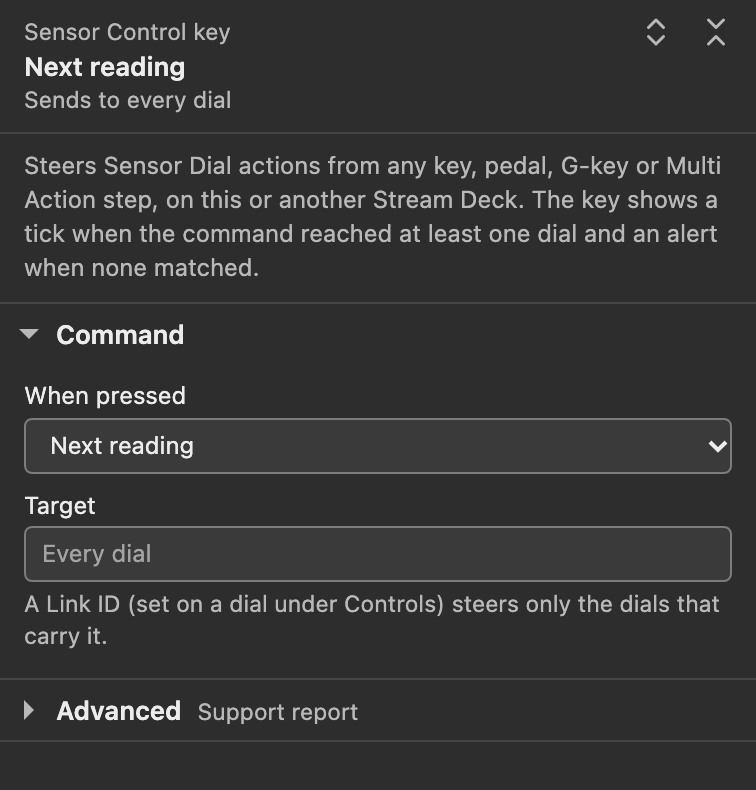
Settings-panel capture. Sensor Control
Steers Sensor Dials: change the reading, show a statistic, pause the auto cycle, pin, or reset statistics.
Where it goes: Any key, pedal or Multi Action step
Which readings appear depends on the Mac and its macOS version. The measured M5 Pro reports 52: 14 from system counters and 38 from the SMC (Readings measured on the M5 Pro). CPU and GPU clock speeds and GPU usage are not offered.
What it does not do
Mac Sensors has no fan control and cannot write a sensor register. It installs no privileged helper, daemon or kernel extension and needs no administrator password. It makes no internet requests and sends no telemetry. A support report goes only where you paste it. Privacy has the details.
Find what you need
- Compare the seven themes Pick a theme and set reading colors.
- Fix a status message Find the exact message and the next step.
- Understand where readings come from System counters, SMC readings and freshness.
- Report a bug Name Mac Sensors and its version.
Version 1.0.1.0 keeps MIN, MAX and AVG on keys and keeps reading through page changes. What changed in 1.0.1 has the details.