Getting started
Drag Sensor Reading onto a key. In Reading, type part of a sensor or reading name and choose the result. Arrow keys browse the picker; Enter selects. Browsing and opening the panel do not save a new reading.
The header shows the same SVG the plugin last drew for that action. Its status distinguishes live data, a missing saved reading and an unavailable source. A missing reading stays saved with its label and colors.
Choose a label if the full sensor name is too long for the key. Under Readings on this key, choose one, two, three or four readings. Set Graph under the value for a trend, bar or ring where that layout supports it.
Read every is shared under Advanced. The default is one second; the shortest interval is 250 ms. Reading age still has a 15-second limit, so a long chosen interval can leave a value expired before the next poll. Choose an interval appropriate for what you want to watch.
Use thresholds for warning and critical colors. Use sensor details when you want a group of readings behind one key.
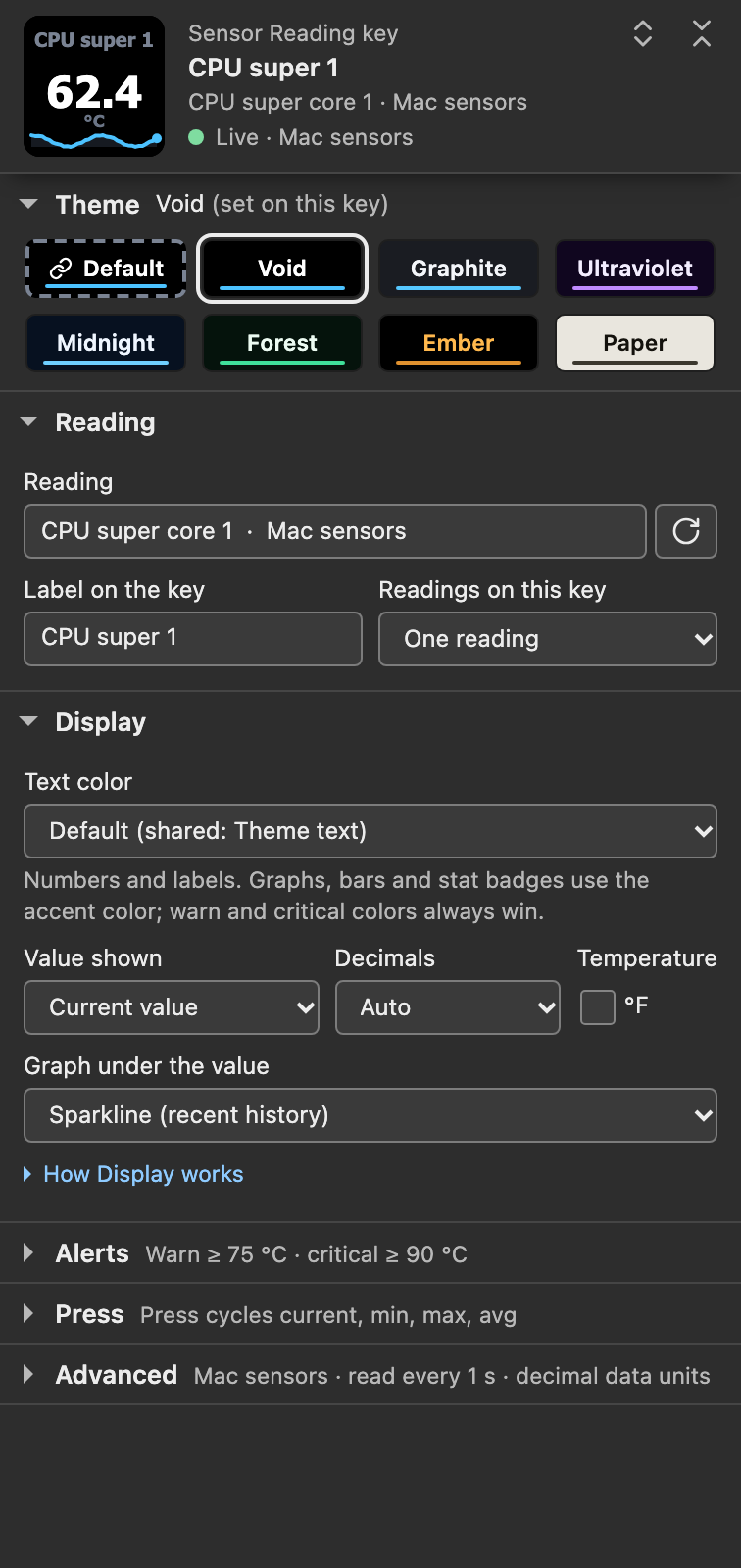
Settings-panel capture of the staged Mac panel in a simulated host with sample data.